For buyers
Know what you're paying for before you pay.
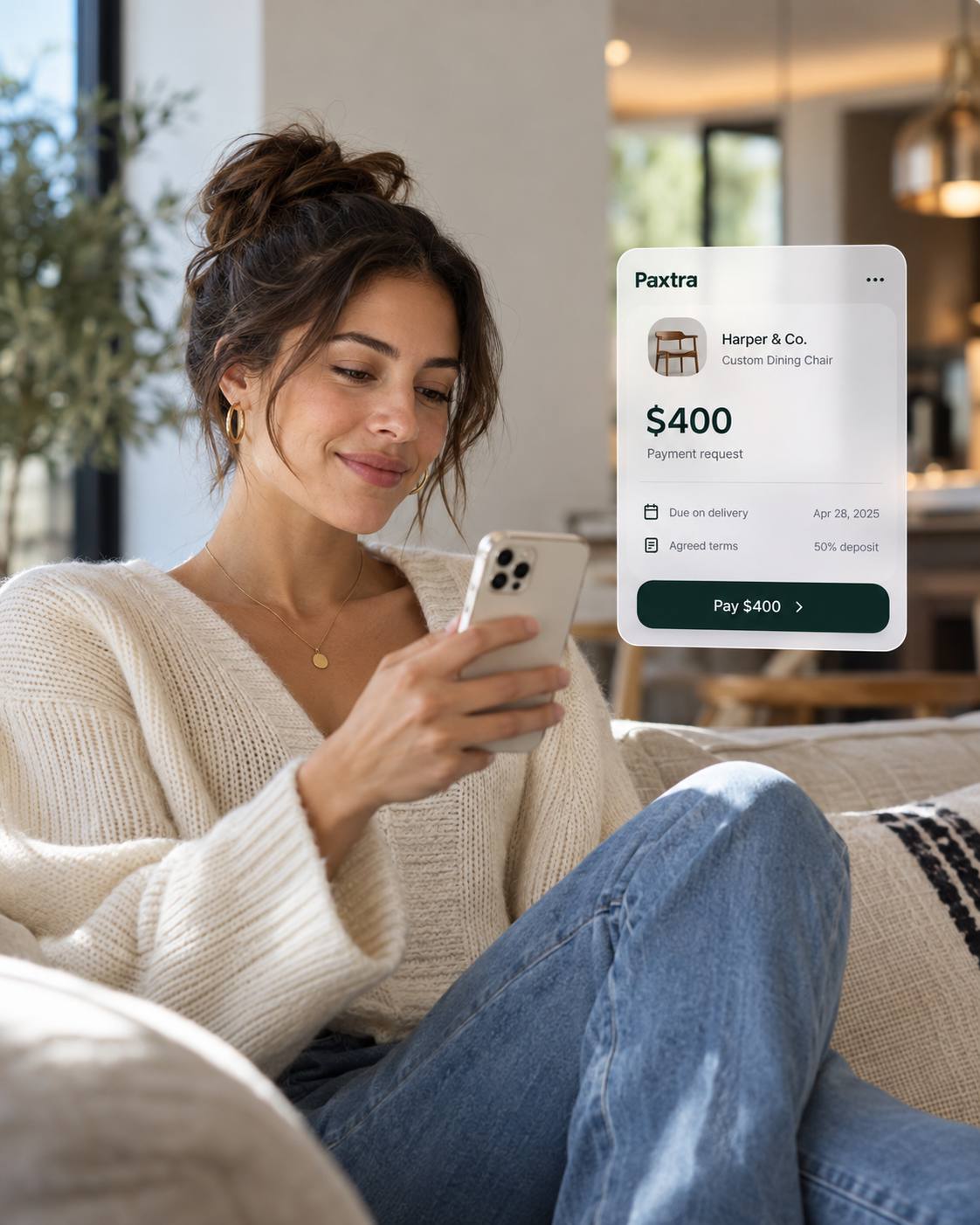
Found something you like on Instagram? Ask the seller to send a Paxtra request so you can check the details first. Follow the transaction, and only confirm once you've received what you agreed.

Payments for deals made in conversation
Paxtra turns social media conversations into clear payment requests, so buyers and sellers know what they've agreed to and can track what happens next.
Illustration: a direct-message conversation where a buyer and the sample seller Riley agree on a vintage denim jacket for C$400.00, followed by a Paxtra payment request showing the item, amount, stages and a review button.
Why Paxtra
You find a seller on Instagram. Book a service through WhatsApp. Hire a freelancer through a recommendation. Agree the price and details in a message.
Then it's time to pay, and the agreement and the payment are suddenly in different places.
Paxtra puts what you agreed into a payment request you can both check: what you're buying, the price, the terms, and what happens next.
Clear record · sample
ReviewHow Paxtra works
Buyers open a link, pay and follow the request. Sellers send the request, complete the order and get paid.
Open the link your seller sends you and check the details.
Make your payment and use the same link to follow its progress.
Once you've received your product or service, confirm that everything is complete.
Agree on the details and share a Paxtra payment link with your customer.
Once payment is confirmed, deliver the product or service as agreed.
After the transaction is completed, your payout is processed according to the applicable schedule.
Need more details? Learn about payments, payouts and disputes in our Help Centre.
This is a simplified overview. Payment, fulfilment, confirmation, release and payout remain separate steps. Standard payouts follow the applicable schedule.
Whether you're buying from Instagram or getting paid for work you booked in a DM.
For buyers
Found something you like on Instagram? Ask the seller to send a Paxtra request so you can check the details first. Follow the transaction, and only confirm once you've received what you agreed.
For sellers
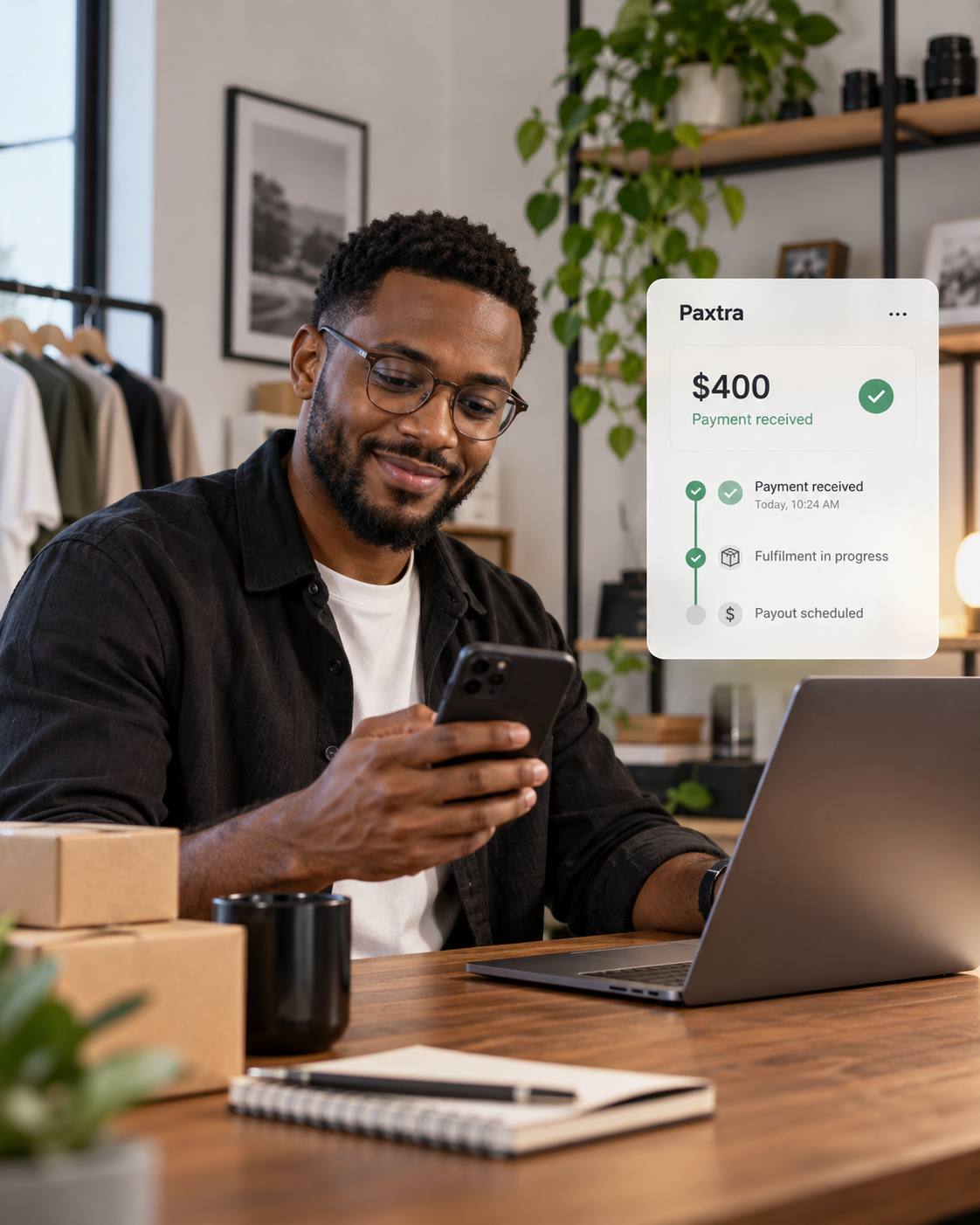
Agreed on a price through WhatsApp? Send your customer a Paxtra link with the order details. Keep your records and track the deal through to payout.
Got a request?
A seller can send you a Paxtra link after you agree on a deal. Open it, check the details match your chat, then pay if you're happy.
Pay with Paxtra does not mean Paxtra endorses or guarantees the seller.
A Paxtra logo can be copied. Always make sure a payment request is on an official Paxtra domain and that the transaction details match what you agreed with the seller.
Safety & trust
Both of you can see the transaction details and the current stage. Keep your messages, receipts, photos and delivery or completion evidence as well.
If there's a problem, talk to each other first. If you still can't sort it out, Paxtra has a formal dispute process based on the transaction and the evidence you both have.
People buy and sell on Instagram, Facebook, TikTok and in DMs. There isn't always a shop counter or a usual checkout.
Paxtra is the payment step for those deals. You keep the conversation. You get a request you can both follow through to payout.
Paxtra is coming first to Canada, with additional supported markets planned. Availability, currencies and payment options vary by market.
Blog
Seller Guides
Buyers trust clear requests, consistent names and patience more than hype. Small habits reduce abandoned chats.
Payment Safety
Before you pay someone from a chat, check who they are, what the request says, and how you are paying.

Freelancers & Services
Write scope, price and payment timing before you start. A clear record helps more than a long chat history.
Buyer Guides
If a chat purchase never arrives, gather evidence early and use the rights that match how you paid.

Seller Guides
A screenshot in a chat is easy to edit. Confirm the payment in a place you control before you ship or start work.
Turn it into a payment request you can both follow.
We'll let you know when Paxtra opens in your market.
Waitlist submissions are unavailable; no contact information is being accepted or saved.