
Fake payment screenshots: verify before you ship
A screenshot in a chat is easy to edit. Confirm the payment in a place you control before you ship or start work.
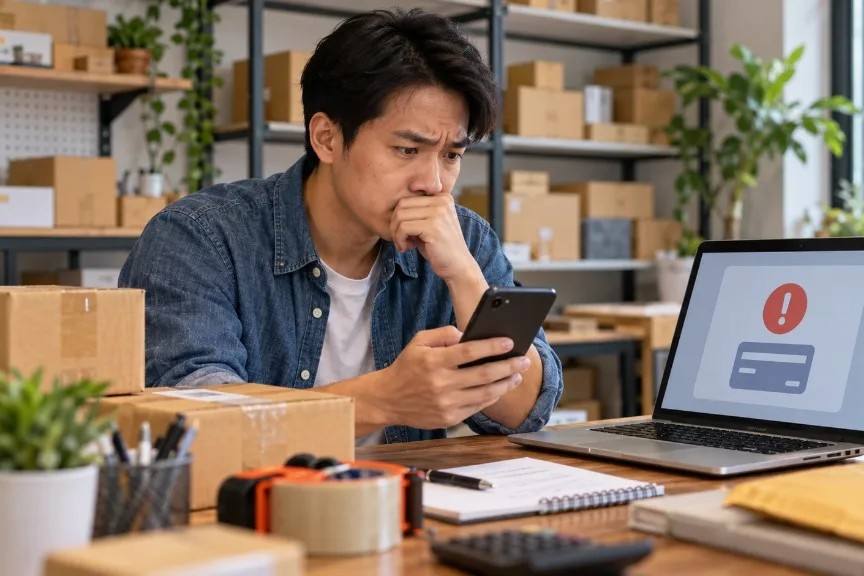
A buyer sends a tidy bank screenshot and asks you to ship tonight. The logo looks right. The amount matches. That is still not proof of payment. Images in a chat can be cropped, edited or pulled from another deal.
Why screenshots fail
You cannot see your own balance, deposit status or processor dashboard in someone else’s photo. Fraudsters count on that gap. Canadian consumer guidance keeps returning to the same idea: verify through channels you control, not through unexpected messages or images (Get Cyber Safe on e-transfer fraud (opens in a new tab)).
What to do instead
- Check your own bank, card processor or payment tool for a completed deposit that matches the agreed amount and name.
- Do not ship, release goods or start paid work on a screenshot alone.
- If the “paid” message arrived with urgency and no matching deposit, pause and ask for payment through your normal request.
Write the deal once
Put the item or service, price, currency and what “done” means into one clear request. Then both of you can review the same text. Paxtra is designed so buyers open and read that request before paying. That does not eliminate fraud, but it reduces screenshot games.
If a buyer will only send pictures of apps and refuses any method you can verify, treat that as a signal, not an inconvenience.
Related: payment safety checklist · Paxtra for Sellers