
Payment safety checklist for Instagram deals
Before you pay someone from a chat, check who they are, what the request says, and how you are paying.
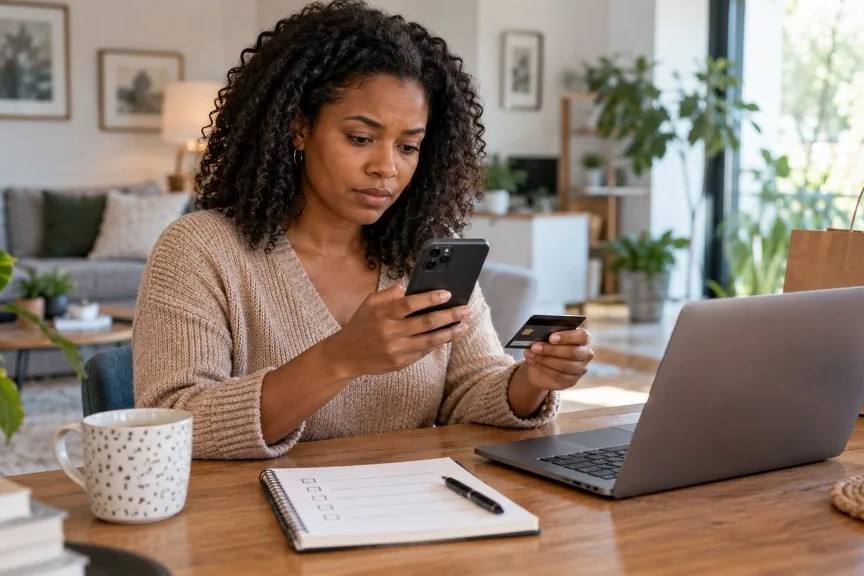
Social deals move fast. The payment step often gets the least review. Canadian cyber security guidance is clear: fake shops, fake payment pages and pressure to move money off a normal path are common, and a polished page is not proof that someone is legitimate (Canadian Centre for Cyber Security, ITSAP.00.071 (opens in a new tab)).
Check the seller first
Search the handle, business name and any website with words like “scam” or “review.” Does the name on the payment request match the chat? Has the account been active for months, or did it appear last week with lifted photos?
Read the request like a stranger
Compare the amount, currency, product or service description, fees and payee name with what you agreed in the chat. If the request says “consulting” and you were buying a jacket, stop. Urgency and surprise fees are warning signs (ITSAP.00.071 (opens in a new tab)).
Choose a payment method with options
The Canadian Anti-Fraud Centre notes that criminals often push e-transfers, and advises preferring methods with fraud protection when you shop online (CAFC bulletin, March 2024 (opens in a new tab)). Once an e-transfer is deposited, it can be hard to reverse (Get Cyber Safe (opens in a new tab)).
Keep your own records
Save the chat, the request, your bank or card confirmation from *your* institution, and any shipping promise. Agencies ask for evidence when you report problems (Competition Bureau (opens in a new tab)).
Some sellers put the deal into one request you can open, read and pay. Paxtra is being built around that pattern. Checkout is intended to use Stripe when that path is live, and is designed so a Paxtra account is not required. That is clearer process, not a promise that fraud cannot happen (Safety; Buyers).
If something already feels wrong after you paid, contact your bank or card issuer quickly, and consider reporting to the Canadian Anti-Fraud Centre.
Sellers: see fake payment screenshots. Buyers: Paxtra for Buyers.