Buyer demo
- Review the sample agreement.
- Enter the visible demo code.
- Simulate payment. On-screen state only.
- After the seller marks complete, simulate confirmation.
Paxtra is opening soon.Join early access

Transaction journey
A simpler way to pay for deals made online. Buyers review a request, pay and confirm. Sellers send a request, complete the order and get paid on the applicable schedule.
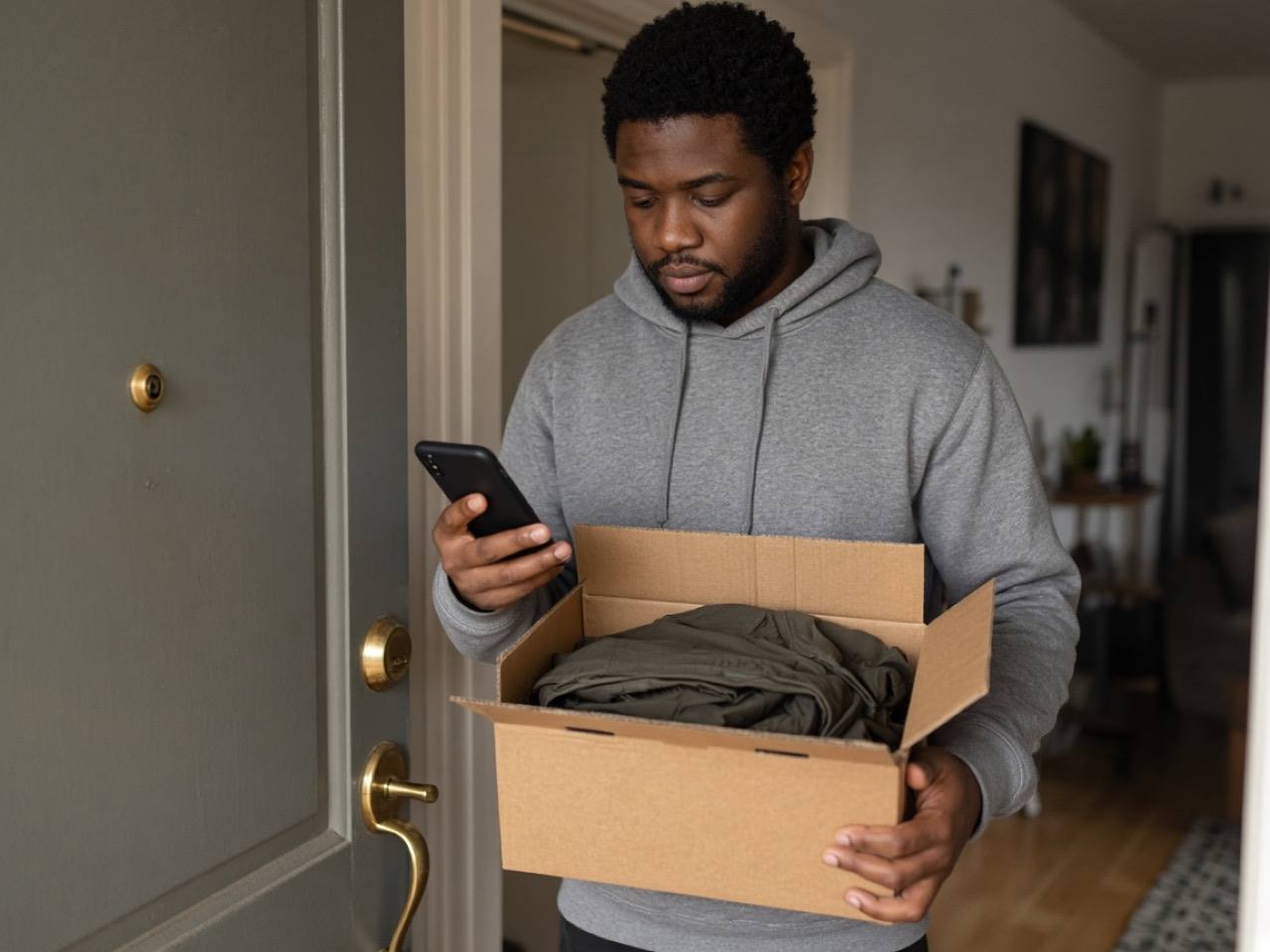
How Paxtra works
Buyers open a link, pay and follow the request. Sellers send the request, complete the order and get paid.
Open the link your seller sends you and check the details.
Make your payment and use the same link to follow its progress.
Once you've received your product or service, confirm that everything is complete.
Agree on the details and share a Paxtra payment link with your customer.
Once payment is confirmed, deliver the product or service as agreed.
After the transaction is completed, your payout is processed according to the applicable schedule.
Need more details? Learn about payments, payouts and disputes in our Help Centre.
This is a simplified overview. Payment, fulfilment, confirmation, release and payout remain separate steps. Standard payouts follow the applicable schedule.
Full lifecycle
Payment confirmation comes before fulfilment. Buyer confirmation, release and payout stay separate. Select a stage for detail.
Stage 01 of 07 · Buyer and seller
You settle the deal in your chat.
Nothing changes about how you start. Keep talking in your DMs or messages.
Stage 02 of 07 · Seller sends · buyer reviews
The seller sets up the request; the buyer checks it.
The buyer opens the Paxtra link, checks the seller, the item or service, the price and the agreed terms, then pays. Buyers don't need a Paxtra account.
Stage 03 of 07 · Buyer
The buyer pays; processed through Stripe.
The buyer completes payment for the agreed amount. Payments are processed through Stripe. No Paxtra fee for buyers.
Stage 04 of 07 · Seller
The seller delivers the product or completes the agreed service.
The seller delivers the goods or completes the service, and keeps their evidence. Both sides can follow the stage.
Stage 05 of 07 · Buyer
The buyer confirms the product was received or the service was completed.
Confirm only when you've received and accepted what you agreed.
Stage 06 of 07 · Release process
Confirmation or another permitted outcome starts the release process.
Confirmation is the normal route. If a buyer raises an issue, or doesn't respond after the seller has delivered the product or completed the service, the transaction goes through a resolution process before release, a refund or another permitted outcome.
Stage 07 of 07 · Seller
The seller is paid out.
The seller receives funds through the available payout option. Paxtra's platform fee comes from seller proceeds.
Still available? The vintage denim jacket, size M.
Yes. C$400.00, pickup Saturday.
Deal. Can you send it through Paxtra?
Setting up the request now.
Vintage denim jacket, M
From Riley · sample seller
Payments are processed through Stripe. Sample screen: no card details are collected here.
Did you receive what you agreed?
Vintage denim jacket, M · C$400.00
Only confirm once you've received and accepted the jacket. If something isn't right, raise it before confirming.
If an issue is raised instead, a resolution process decides between release, a refund or another permitted outcome.
Vintage denim jacket, M
Illustration only. Fees, payout options and timing depend on the seller's plan and market.
Sample demonstration. The screens show a fictional C$400 jacket. The same stages apply to a service, for example a C$250 photography booking. Open the full demo.
Agree in chat. Nothing changes about how you start. Keep talking in your DMs or messages.
Review the request. Open the Paxtra link your seller sends you. Check the seller, the item or service, the price and the agreed terms. You don't need a Paxtra account to pay.
Pay. Complete payment. Payments are processed through Stripe.
Receive. Follow the stages as the seller delivers the product or completes the agreed service.
Confirm. Confirm only when you've received and accepted what you agreed.
Create the transaction. Describe what you're selling, set the price and add the agreed terms. Booked a service through a DM? Put the agreed work and payment into one clear request.
Send the request. Share the Paxtra payment link in your chat.
Fulfil. Deliver the goods or complete the service, and keep your evidence.
Get confirmation. The buyer confirms the product was received or the service was completed as agreed.
Release and payout. Confirmation starts the release process, then you receive payout through the available process.
Most deals finish with the buyer confirming. If a buyer raises an issue, or doesn't respond after the seller has delivered, the transaction goes through a resolution process. Release, a refund or another permitted outcome follows.
Normal
Pay → Fulfil → Buyer confirms → Release → Payout
Exception
Pay → Fulfil → Issue or no response → Resolution process → Release, refund or other permitted outcome
Step 1
The buyer pays the agreed amount. Processed through Stripe.
Step 2
The release of funds is triggered by buyer confirmation or a resolution outcome.
Step 3
The seller receives funds through the available payout option.
This is a simulation only. The data is fictional. Nothing is saved and no payment is taken.
Sample product: vintage jacket for C$400.00. The same steps apply to a service, for example a photography booking for C$250.00. Demo code 482731.
Workspace mock: Overview · Payment links · Transactions · Payouts
Sample data only. Enter 482731 to simulate payment.
You keep talking in your own chat. Paxtra adds a clear payment request around it.
Buyer and seller both review what was agreed and see each stage.
We'll let you know when Paxtra opens in your market.
Waitlist submissions are unavailable; no contact information is being accepted or saved.