
Bank transfers, cards and payment links explained
Interac, cards and payment links move money differently. The differences show up when something goes wrong.
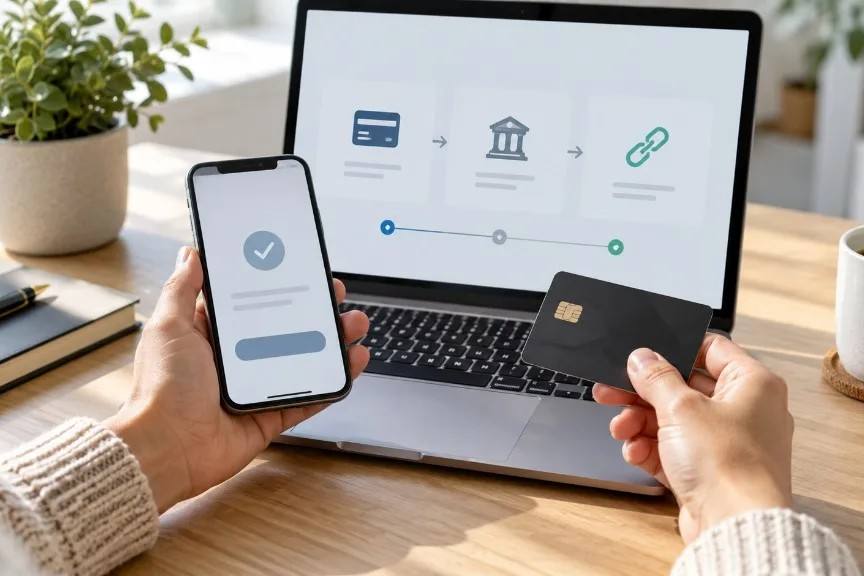
Sellers often mix three ideas: a bank transfer, a card charge and a “payment link.” They are not the same when a deal goes wrong.
Bank transfers (including Interac e-Transfer)
Money moves between Canadian accounts using email or mobile details. After deposit, reversing a transfer is often difficult, which is why scammers push this rail (Get Cyber Safe (opens in a new tab)).
Card payments
The buyer pays with a credit or debit card through a processor. Issuers may offer dispute options that bank transfers lack. Fees and timelines differ by provider.
Payment links
A link usually opens a hosted checkout that still collects a card or other method. The link is the delivery vehicle, not a separate protection layer. What matters is the processor and the written description on the page.
For social deals
Write who is paid, how much, what for and any terms the payer should accept. Paxtra is intended to present that detail in one request, with Stripe planned for card checkout when live. Prefer clarity over whichever buzzword feels modern.
Related: payment safety checklist · Safety & Trust